How I Built This Site in a Day
Built a Personal Website in under 24 hours Using AI. AI handles the heavy lifting when you know what you want and ask the right questions. When you don't, it'll happily take you somewhere else.
How I Built This Site in a Day — A Journal Entry
This post is about how this website came to exist. Not a tutorial. Not a how-to. A journal entry about a week's goal, an AI assistant, and what it actually looks like when an infra engineer who hasn't touched frontend in fifteen years decides to ship something.
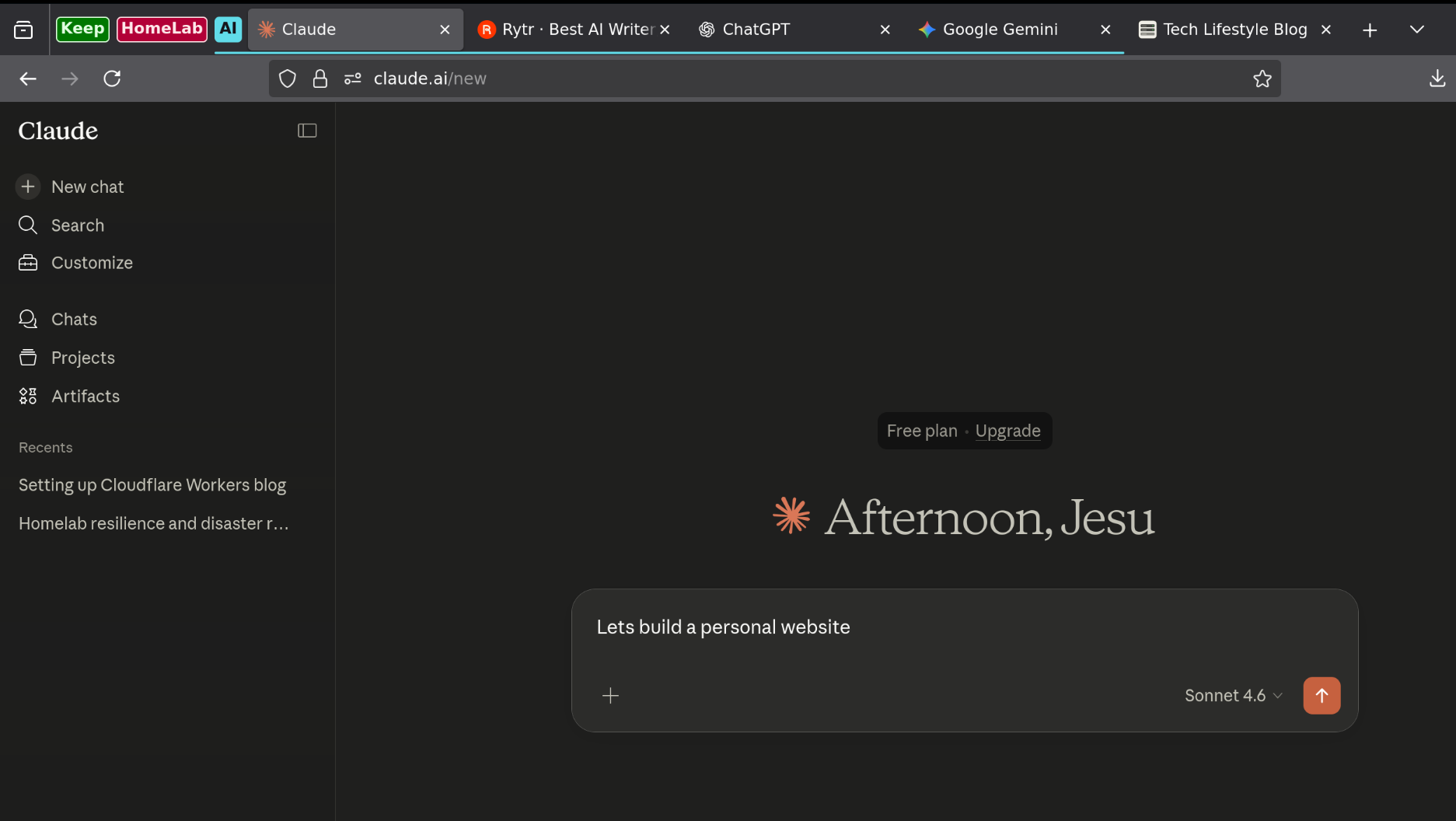
Table of Contents
- The Domain That Sat Idle for a Year
- The Sunday Planning Session
- What It Felt Like to Work With AI on This
- The Things I Fixed Myself
- The R2 Decision
- Using Multiple AI Assistants
- What This Actually Took
- The One Thing Worth Taking Away
The Domain That Sat Idle for a Year
I've owned for about a year. It wasn't wasted — it's been pointing at my homelab's local IPs the whole time, doing its job. But as a public website, it was empty.
The reason isn't that I forgot. It's that priorities are real. My homelab has Jellyfin serving media to every TV in the house, Immich replacing Google Photos, Vaultwarden holding every password. Getting those stable, automated, and recoverable was more important than a personal site. So the website waited.
What changed is that I found myself ahead of schedule on the homelab work. The cluster migrations, the backup automation — things were moving. I had some room. And I'd been wanting to try Claude for the first time.
So on a Sunday evening, I brought it into my weekly planning session.
The Sunday Planning Session
Every Sunday I plan the week. This time I gave Claude the full homelab context — hardware, current state, what's running, what's being migrated, what's blocked. Then I asked it to help me prioritise the week's work.
It came back with a plan: two days for the personal website, three days for cluster backup and restore automation using Ansible and Gitea runner workflows. That unblocks next week's work — bringing down the test cluster and migrating apps to production.
That structure made sense. The website was a contained, independent task. Cloudflare Workers has nothing to do with my homelab — no exposure, no cloud dependency, no paid hosting. I use Cloudflare heavily anyway so it's the default choice of provider even when it's cloud. Workers ticked every box: serverless, edge-delivered, free tier, and I'd been aware of it for a long time. I just hadn't had a reason to start.
Now I did.
What It Felt Like to Work With AI on This
I'm not a frontend developer. But I'm not afraid of it either. I wrote HTML, CSS, JavaScript, and AJAX for Rails monoliths at the start of my career fifteen years ago. I can read a stylesheet and understand what's happening. I'm not going in blind.
What I was confident about going in wasn't the frontend. It was knowing how to ask the right questions.
That turned out to matter more than anything else.
There were several moments where Claude gave me something that wasn't quite right. The loader issue when importing HTML files into the Worker — Claude suggested a Vite convention that esbuild doesn't support. The SVG favicon extension being treated as a binary image asset. CSS specificity bleeding from broad sidebar selectors into the new profile component. Each time, I knew something was off before I even ran it. Not always what specifically, but enough to ask the right question back rather than blindly follow the direction.
The raw loader issue was probably the best example of collaboration. We worked it out together — Claude gave me options, I picked the Text loader over an inline workaround because it kept the HTML files clean and editable. That's the kind of decision I wanted to be making myself.
I never let it drive me into a rabbit hole. If I am not happy with its direction, I said so and asked a better question. That kept things moving.
The Things I Fixed Myself
Not everything was AI-assisted. Some of it was just debugging.
The publish script was pushing posts to the local preview KV instead of production. I caught it when the post wasn't showing up on the live site. Straightforward once you know where to look — was missing from the wrangler command.
The post card styles weren't applying on the live site. I opened Firefox DevTools, inspected the rendered HTML, traced it back to the wrong class selectors on the post card template. The fix was a few class name changes in the HTML. Fifteen minutes with the browser inspector, no assistance needed.
The cache issue with the profile section not rendering correctly — hard refresh, done. Human instinct, not AI.
The R2 Decision
Claude suggested Cloudflare Images for handling blog post photos. I went with R2 instead.
That's a philosophical decision as much as a practical one. Cloudflare Images is a subscription service. My entire homelab exists because I want capable infrastructure without recurring cloud bills — Jellyfin instead of Netflix, Immich instead of Google Photos, Vaultwarden instead of LastPass. Adding a paid image service to my personal website would go against the whole point.
R2 has a generous free tier. But more than that, now that I have a bucket, I can see other uses for it — config backups from the homelab, maybe cold storage for Immich data. A decision that started as "free image hosting for the blog" opened up something broader.
That's the kind of thinking that doesn't come from an AI suggestion. It comes from knowing why your infrastructure is built the way it is.
Using Multiple AI Assistants
I didn't stick to one AI throughout. I started with ChatGPT years ago, moved to Gemini, learned a lot about how these systems respond and how to ask better questions. It was often productive but sometimes draining — you can lose a lot of time getting pulled in the wrong direction if you're not careful.
When I tried Claude for the first time on this project, something was different. Whether it was that I was finally asking the right questions, or that Claude is simply better at this kind of work — probably both — it was noticeably more productive.
The free plan ran out before the project was finished. I moved to Gemini for one session to fix the not updating correctly. Gemini couldn't fix it directly but pointed me in the right direction. I fixed it myself. That's an honest summary of how multi-AI workflows go — different tools, different strengths, and you're still the one who has to make the final call.
I won't be subscribing to any paid AI plan. I'll work across free tiers as needed. At the end of the day, I learn from the AI. It doesn't learn from me.
What This Actually Took
A domain that had been sitting ready. A Sunday planning session. A week's goal. A couple of days of focused work across a few AI conversations, Firefox DevTools open on the side, and a file I got comfortable with faster than I expected.
The site is built on Cloudflare Workers with KV storage, TypeScript, and a markdown rendering pipeline. The styles are clean. The sidebar works. The first blog post is up. It took less time than I thought.
Could I have done this without AI assistance? Eventually, yes. Would I have done it this week? Honestly, no. I'd have been writing an Ansible role instead.
The One Thing Worth Taking Away
AI can get you very far, very fast. But if you don't know where you're going, you'll drift — and getting back on course costs more time than you saved. The AI doesn't know your priorities, your philosophy, or why you made the decisions you made three years ago. You do.
Come in with direction. Ask precise questions. Know when something is wrong. Make your own decisions when it matters.
The tool is impressive. What you bring to it is what determines whether it's useful.